








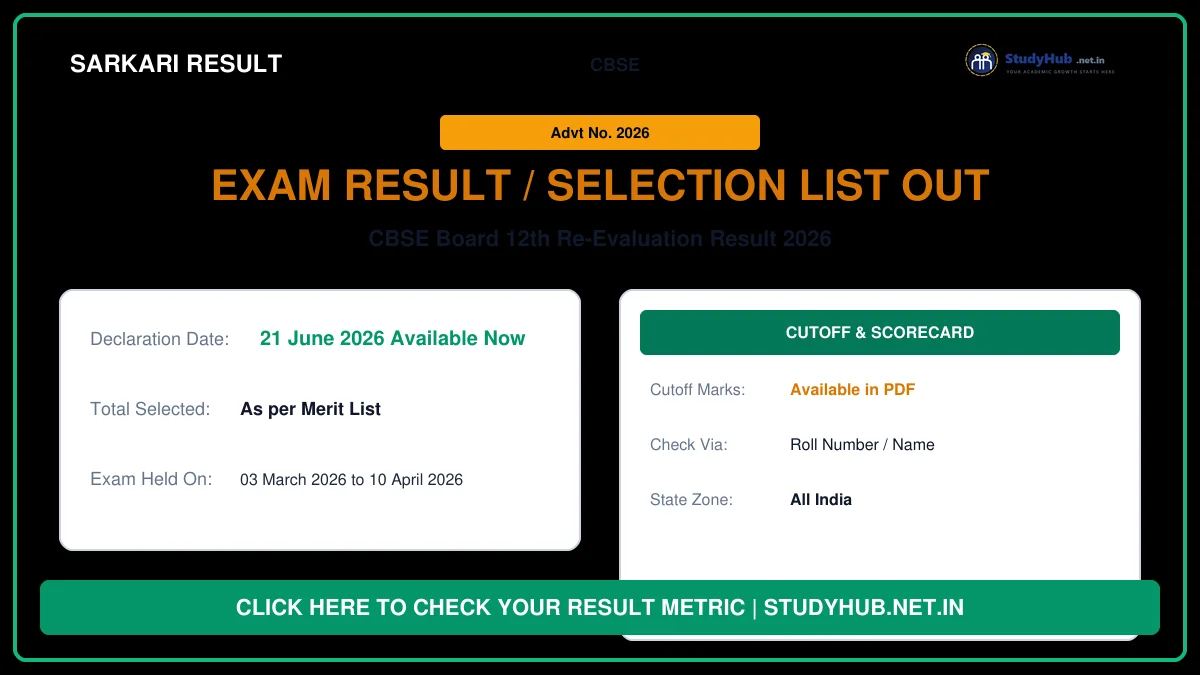
Central Board of Secondary Education (CBSE) has officially declared the Class 12th Re-Evaluation and Rechecking Result 2026 on 21 June 2026. Students who applied for rechecking, verification of marks, or re-evaluation of their Class XII answer sheets can now access their updated results on the official CBSE results portal and DigiLocker.
The CBSE Class 12 board examinations were held from 03 March 2026 to 10 April 2026, and the main annual results were announced on 13 May 2026. Following the main results, students who were not satisfied with their marks had the option to apply for verification and re-evaluation. The board has finished processing these requests, and the revised marks sheets are now live. Candidates can check their updated status using their Roll Number, School Code, and Admit Card ID.
CBSE Class 12th Re-Evaluation Result 2026 – Overview
| Board Name (बोर्ड का नाम) | Central Board of Secondary Education (CBSE) |
| Exam Name (परीक्षा का नाम) | Senior School Certificate Examination (Class XII) 2026 |
| Main Result Declared (मुख्य परीक्षा परिणाम) | 13 May 2026 |
| Re-Evaluation Result Status (पुनर्मूल्यांकन परिणाम) | Declared on 21 June 2026 (Available Now) |
| Credentials Required (लॉगिन विवरण) | Roll Number, School Code, Admit Card ID |
| Official Websites (आधिकारिक वेबसाइट्स) | cbse.gov.in | results.cbse.nic.in |
How to Verify CBSE Class 12 Re-Evaluation Marks & DigiLocker Account
CBSE has also provided the facility to access the digital marksheets and passing certificates through DigiLocker. To download your digital documents, candidates must activate their DigiLocker accounts. The step-by-step process is detailed below:
- First, visit the official DigiLocker CBSE account activation link: cbseservices.digilocker.gov.in/activatecbse.
- Select your class (Class XII) and enter your School Code and Roll Number.
- Enter the 6-digit security PIN provided by your school (if you don’t have it, contact your school administration).
- Verify your mobile number via OTP.
- Once activated, you can log in to your DigiLocker account and download your revised Class 12th marksheet, which will display the changes from the recheck/re-evaluation process.
Steps to Check CBSE Board 12th Re-Evaluation Result 2026 Online
To check your revised marks directly from the official portal, follow these instructions:
- Go to the official CBSE Results website at results.cbse.nic.in or use the direct link provided below.
- On the homepage, look for the link labeled “Senior School Certificate (Class XII) Re-Evaluation / Rechecking Result 2026”.
- A login window will open on your screen.
- Fill in your Roll Number, 5-digit School Number, and Admit Card ID in the respective input boxes.
- Verify the details and click on the Submit button.
- Your updated scorecard showing the revised marks will be displayed. You can download or print it for temporary reference until the physical marksheet is issued.
Useful Important Links for CBSE 12th Re-Evaluation Result 2026
| Link Description / लिंक विवरण | Direct Link / सीधा लिंक |
|---|---|
| Download Class 12th Re-Evaluation Result (DigiLocker) | Click Here to Check |
| Download Re-Evaluation Press Release Notice | Click Here to View Notice |
| Download Class 12th Main Result (Alternate Links) | Link I | Link II | Link III |
| Activate DigiLocker Account (6-Pin Activation) | Click Here to Activate |
| Download CBSE Rescheduled Exam Dates Notice | Download PDF |
| Download Final Class XII Exam Date Sheet | Download PDF |
| Download Tentative Exam Date Sheet | Download PDF |
| CBSE Official Website | Visit Official Website |


